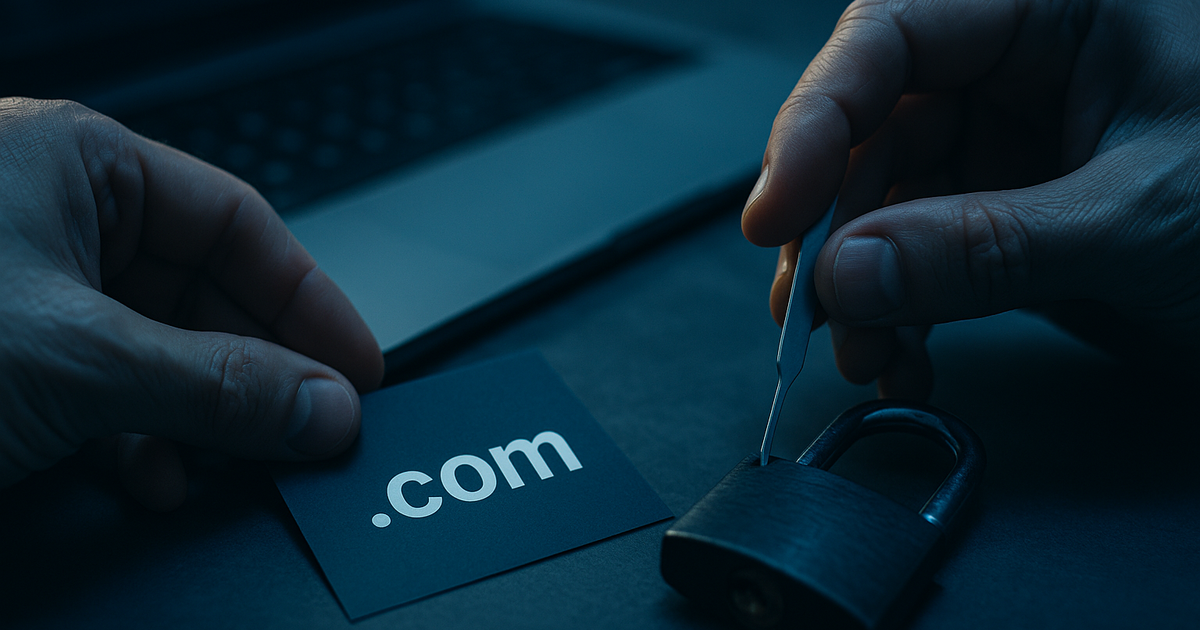
Signs Your Atlanta Domain Was Hijacked (And What to Check First)
Not sure if your domain is in the wrong hands? Learn the warning signs your domain was hijacked, what to check first, and how Atlanta owners can act fast.
Your domain name is more than an address — it's the front door to your Atlanta business. It carries your email, your website, your search rankings, and the trust you've built with customers from Buckhead to the BeltLine. So when something feels off, it pays to act fast. Domain hijacking is quieter than most people expect. There's no alarm, no broken window — just small changes that add up to a big problem.
This guide walks you through the real signs your domain was hijacked, and — just as important — what to check first before you panic. A calm, methodical look at the right places can tell you whether you're dealing with a technical hiccup or a genuine theft.
What Domain Hijacking Actually Looks Like
Hijacking happens when someone gains unauthorized control of your domain registration. Sometimes they change where your website points. Sometimes they transfer the domain to a different registrar or account entirely. Either way, the goal is control — and control of your domain can mean control of your email, your traffic, and your brand's reputation.
It's easy to confuse hijacking with a simple outage or a billing lapse. That's exactly why knowing the difference matters. If you want a deeper breakdown of how theft differs from squatting, see Domain Hijacking vs. Cybersquatting: What Atlanta Owners Should Know. For now, let's focus on the symptoms.
The Warning Signs to Watch For
Most hijackings show up as one or more of the following. A single sign might be innocent. Several together should put you on high alert.
1. Your Website Suddenly Changes or Disappears
If your homepage now shows a parking page, a "for sale" notice, ads, or a totally different site, that's a red flag. A blank page or a generic error can happen during hosting problems — but a new site you didn't build is a classic hijacking symptom.
2. Your Email Stops Working
Email runs on domain settings called MX records. When someone hijacks your domain and changes those records, inbound email can quietly vanish. If your team stops getting messages, invoices, or client replies, check your domain before you blame your inbox.
3. You're Locked Out of Your Registrar Account
Try logging in to the company where you registered your domain — GoDaddy, Namecheap, Google Domains, or whoever holds it. If your password no longer works and you didn't change it, that's serious. Attackers often reset credentials the moment they gain access.
4. You Get Unexpected Transfer or Change Notifications
Registrars send email confirmations for big actions: transfers, contact changes, nameserver updates, or unlocks. If one of these lands in your inbox and you didn't request it, treat it as urgent. These alerts are often the earliest — and only — warning you'll get.
5. Your WHOIS Details No Longer Match You
Public registration data (called WHOIS) shows who controls a domain. If the registrant name, email, organization, or registrar suddenly isn't yours, someone has moved your domain. You can look this up in seconds through the ICANN Lookup tool.
6. Search Rankings or Traffic Crash Overnight
A hijacker who repoints your site to spam or malware can tank your local SEO fast. If your Atlanta business drops off Google or Search Console flags security issues you didn't cause, dig into your domain settings right away.
7. Customers Report Odd Behavior
Sometimes your customers notice first. Warnings about an "unsafe site," strange redirects, or emails you never sent are all signals that something upstream has been tampered with.
What to Check First
Before you assume the worst, run through this quick sequence. It separates a true hijacking from an easy-to-fix mistake — and it gives you the facts you'll need if you have to file a formal complaint later.
- Confirm your domain hasn't simply expired. A lapsed renewal can mimic a hijacking. Log in (or try to) and check the expiration date and payment status. An expired card is a far simpler fix than a stolen domain.
- Check WHOIS records. Run your domain through ICANN Lookup. Compare the registrant email, registrar, and creation/update dates to what you expect. A recent "updated" date you didn't trigger is a strong clue.
- Review your nameservers and DNS. Inside your registrar or DNS host, look at the nameservers and A/MX records. If they point somewhere unfamiliar, note the exact values before changing anything.
- Test your login and recovery email. Make sure you still control the email address tied to your registrar account. If the attacker changed it, that's your priority to reclaim.
- Search your inbox and spam folder. Look for transfer approvals, contact-change confirmations, or "authorization code" requests. These timestamp when the trouble started.
- Document everything. Screenshot WHOIS results, notification emails, and DNS settings. Evidence matters if you escalate.
The faster you confirm what's happening, the more options you keep. Domain recovery gets harder — and more expensive — the longer a hijacker holds the keys.
If It Really Is a Hijacking
Once you've confirmed the signs, move quickly and in the right order. Speed genuinely changes outcomes here. Your first day is the most important, so start with What to Do in the First 24 Hours After Your Domain Is Stolen.
From there, your path depends on where the domain went. If it's still at your original registrar, you may be able to reverse the change directly — see Can You Get a Stolen Domain Back From Your Registrar?. If it's been moved and the holder won't cooperate, a formal dispute may be your route; learn the process in How to File a UDRP Complaint to Recover a Stolen Domain Name. And because none of this is free, it helps to understand the trade-offs in The Cost of Recovering a Hijacked Domain: UDRP, Legal & Buyback.
How Atlanta Owners Prevent the Next Scare
Prevention is far cheaper than recovery. A few habits close the doors hijackers rely on:
- Turn on registrar lock. This blocks unauthorized transfers and is usually one click.
- Enable two-factor authentication on your registrar and your recovery email.
- Keep contact details current so you actually receive those critical alerts.
- Use a dedicated, well-secured email for domain management — not a shared inbox.
- Set auto-renew so an expired domain never becomes an easy target.
The U.S. government's CISA Secure Our World resources offer solid, plain-language guidance on the account security that protects your domain, too.
Own Your Corner of Atlanta — Securely
Your domain is the digital storefront of your brand. Whether you run a design studio in West Midtown, a home-decor label in Decatur, or a growing service business across the metro, the name people type matters as much as your logo or your reputation. A strong, memorable domain that matches your aesthetic and your local standing is worth protecting — and, when you're ready to grow, worth investing in.
If you're building or rebranding, start from a position of strength with a premium, on-brand name. Browse the available Atlanta domain names and lock in a web identity that's unmistakably yours — one you can secure well before anyone else thinks to.